
Description
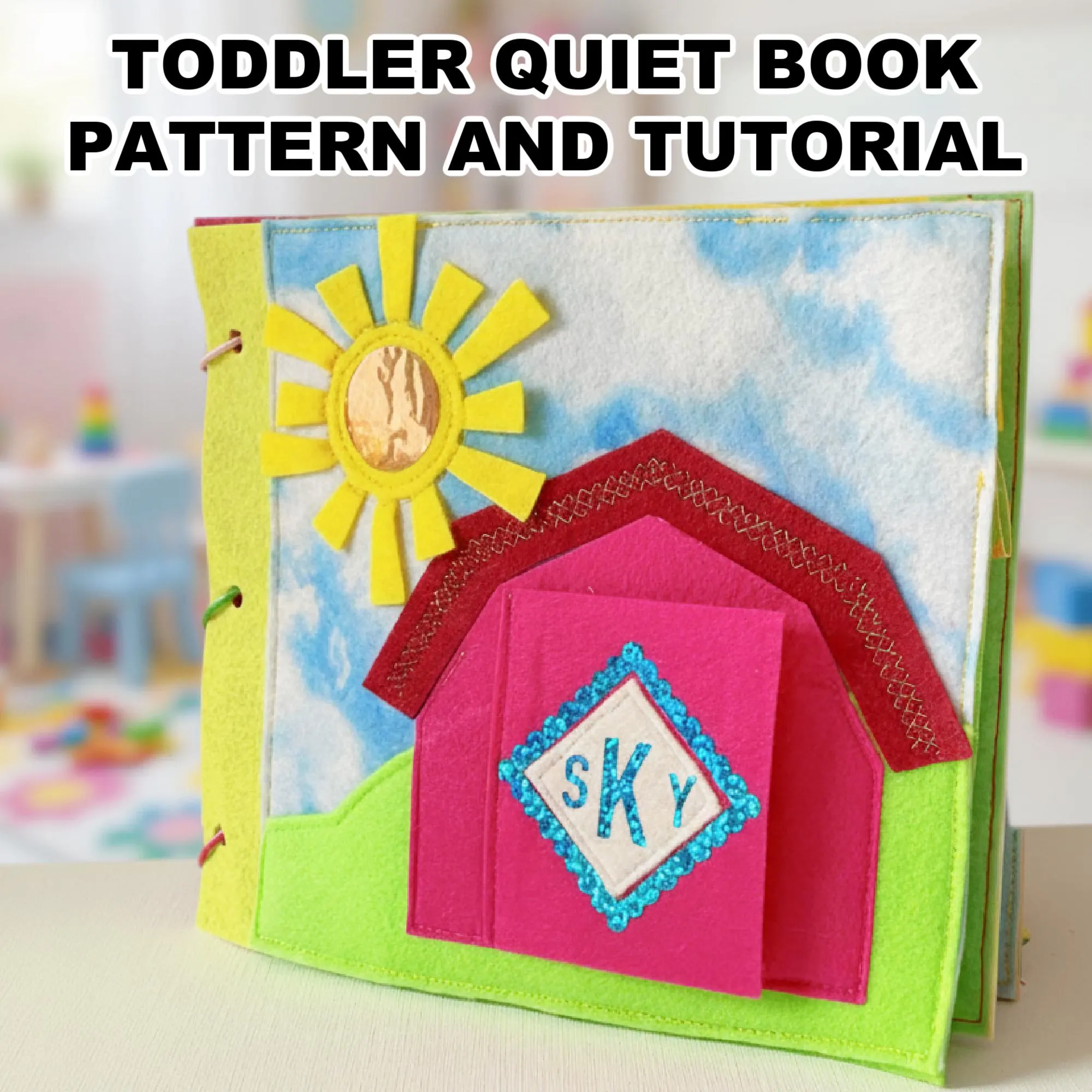
Sew a toddler quiet book that’s full of color, texture, and movement. This digital set gives you everything — printable patterns, SVG files, and clear instructions — to create interactive felt pages little hands will love exploring.
This quiet book isn’t just a sewing project — it’s a keepsake you create one page at a time. Designed for toddlers 1–3 years old, every activity encourages curiosity and gentle play. The patterns, SVG files, and step-by-step guide make it easy to bring your own version of this handmade treasure to life.
What’s Inside the PDF set
This digital download includes everything you need to sew a complete 14-page quiet book from felt:
- Step-by-step sewing guide (PDF) — clear instructions and photos for every page. This is a large file, 100 pages, with many color images; I recommend leaving it on computer for viewing as needed.
- Printable PDF patterns — full-size templates for each page. They need to be printed at 100% size (actual size) and will fit either letter size or A4 format.
- SVG files — ready for Cricut or any cutting machine
- Material list and sewing tips for every technique used in the book
All pages are designed to fit 8×8 inch felt squares, so you can use pre-cut felt sheets and skip measuring or trimming.
Pages You’ll Create
Every page teaches through play — calm, gentle, hands-on learning for little ones.
- Welcome Home – a personalized cover with photo window and monogram
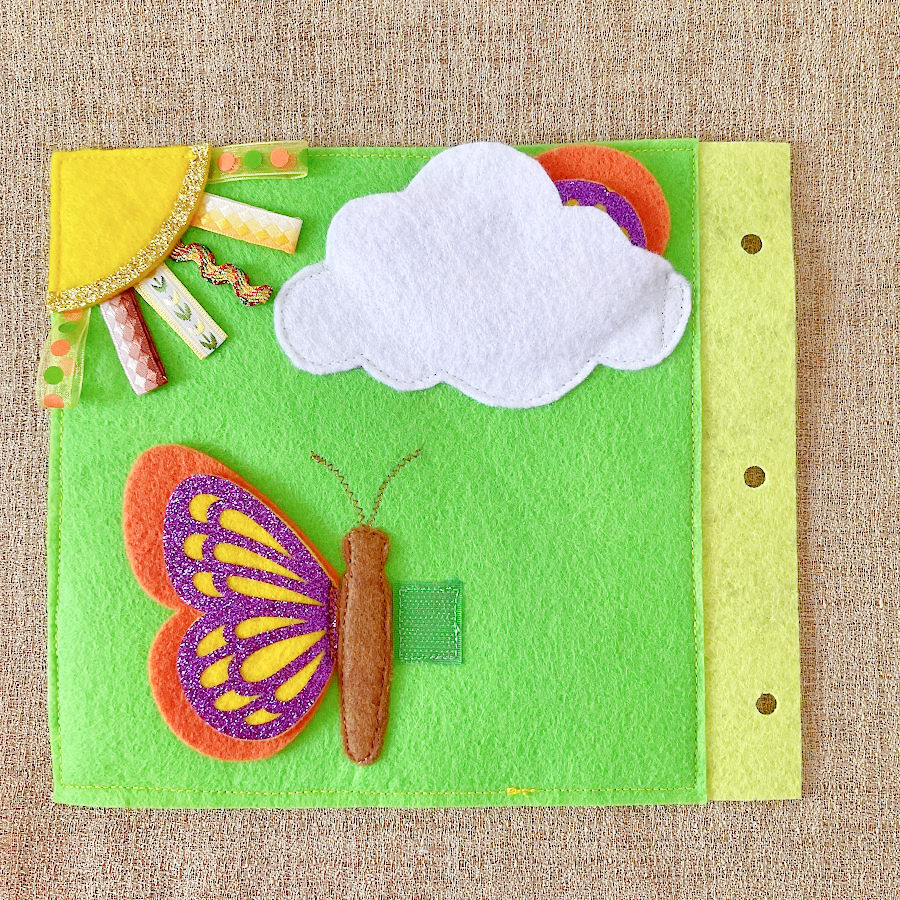
- Butterfly and Cloud – matching and discovery play
- Counting Beads on Cord – fine-motor practice and early counting
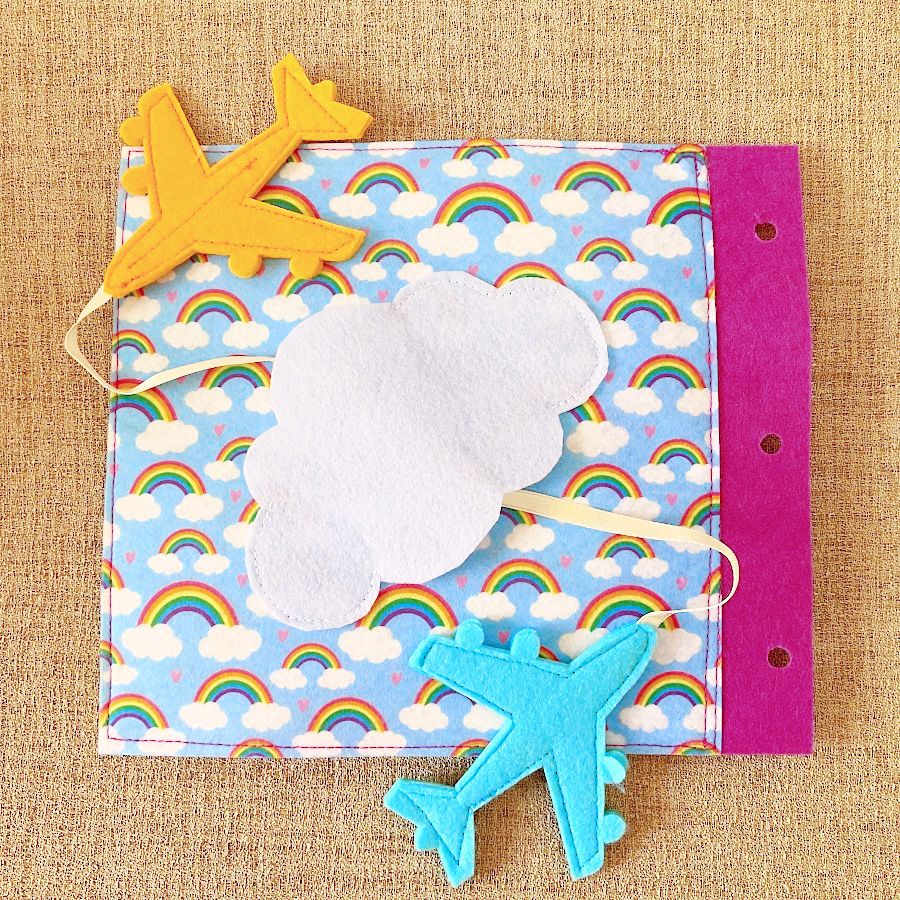
- Flying Airplanes – movement and cause-and-effect
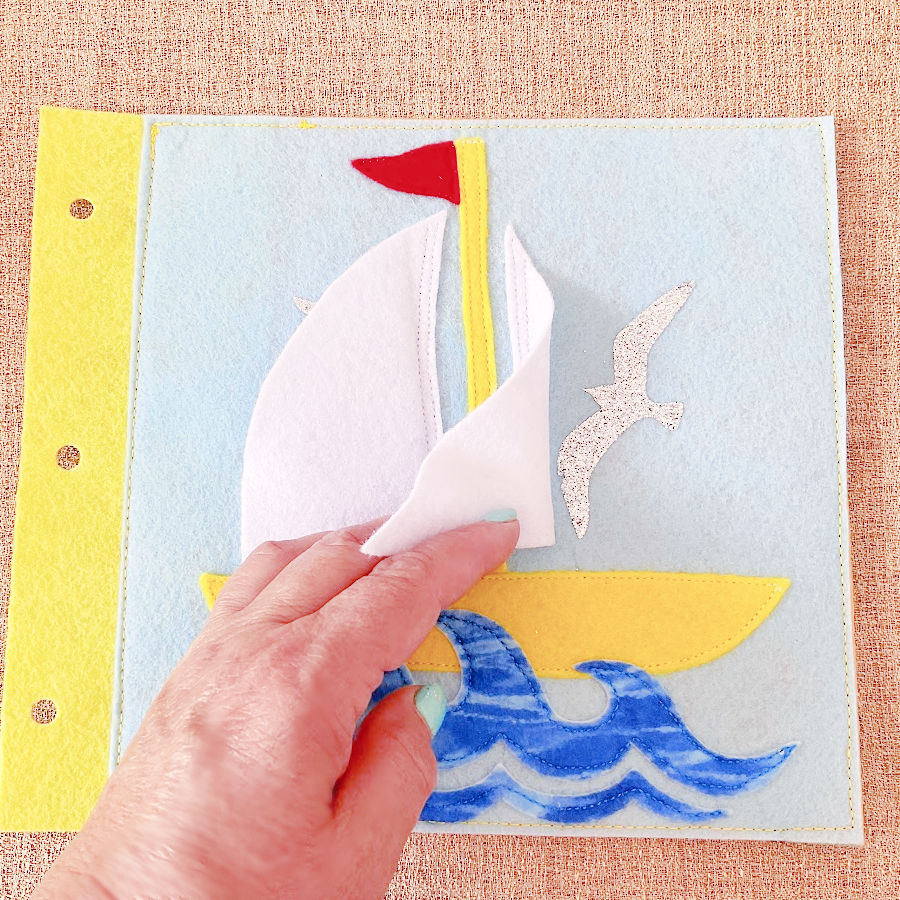
- Boat and Birds – lifting flaps to find hidden details
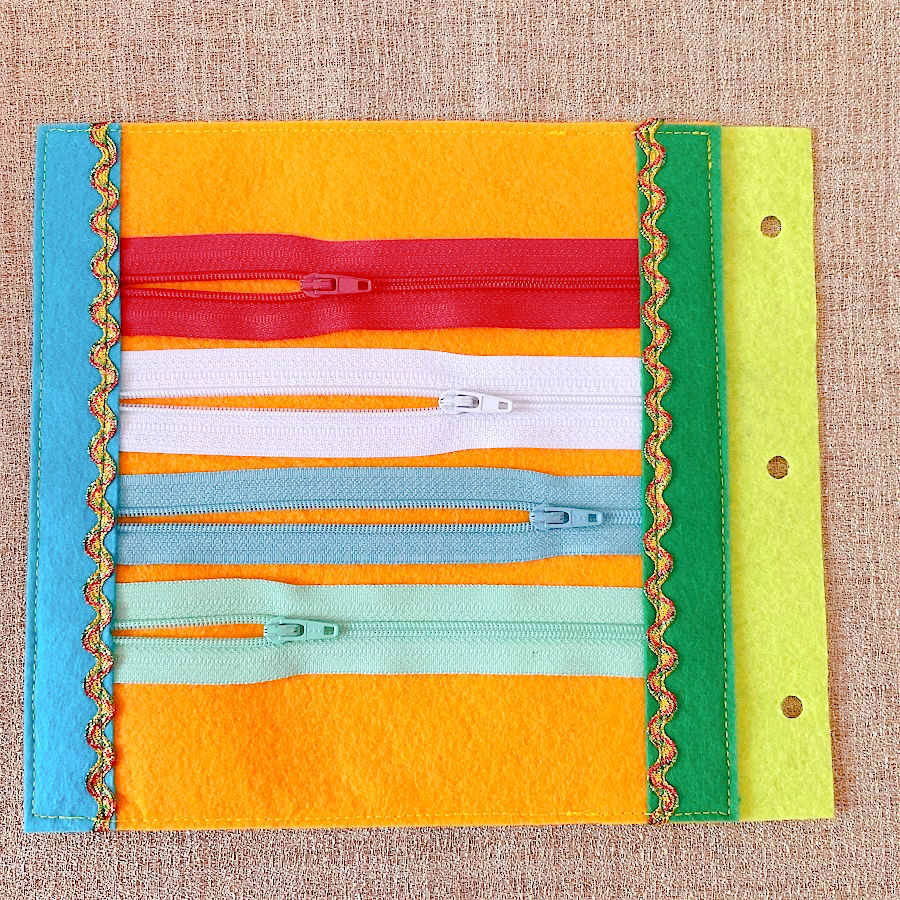
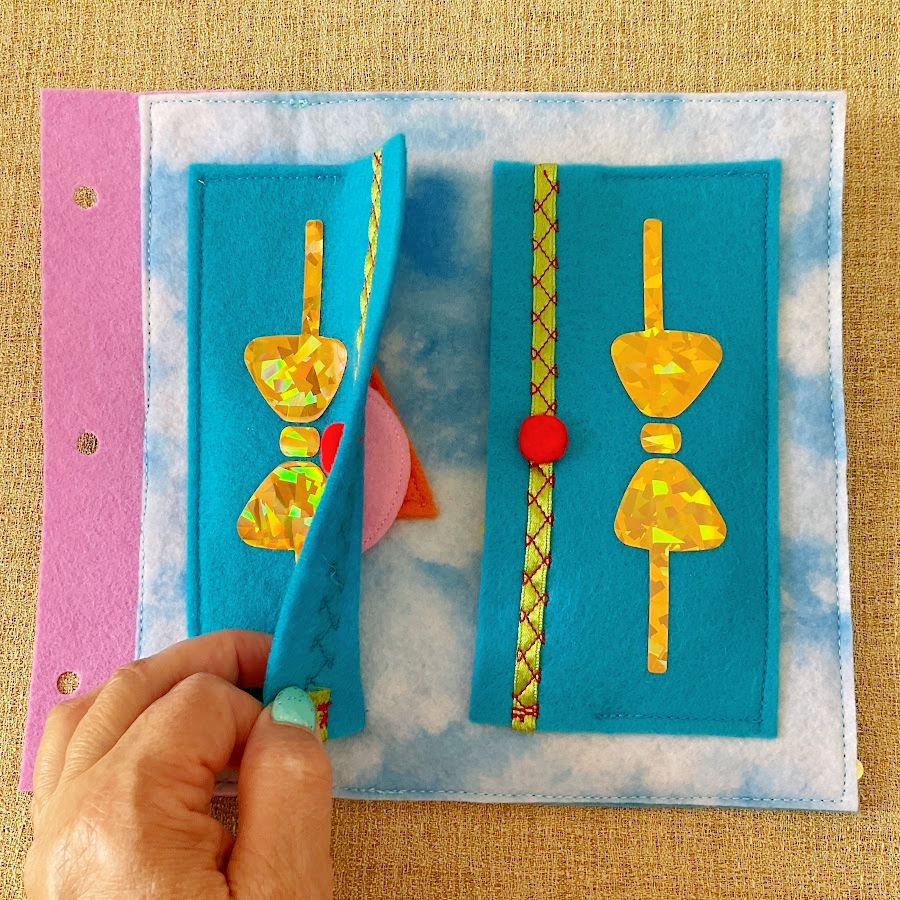
- Zipper Fun – practicing real-life skills
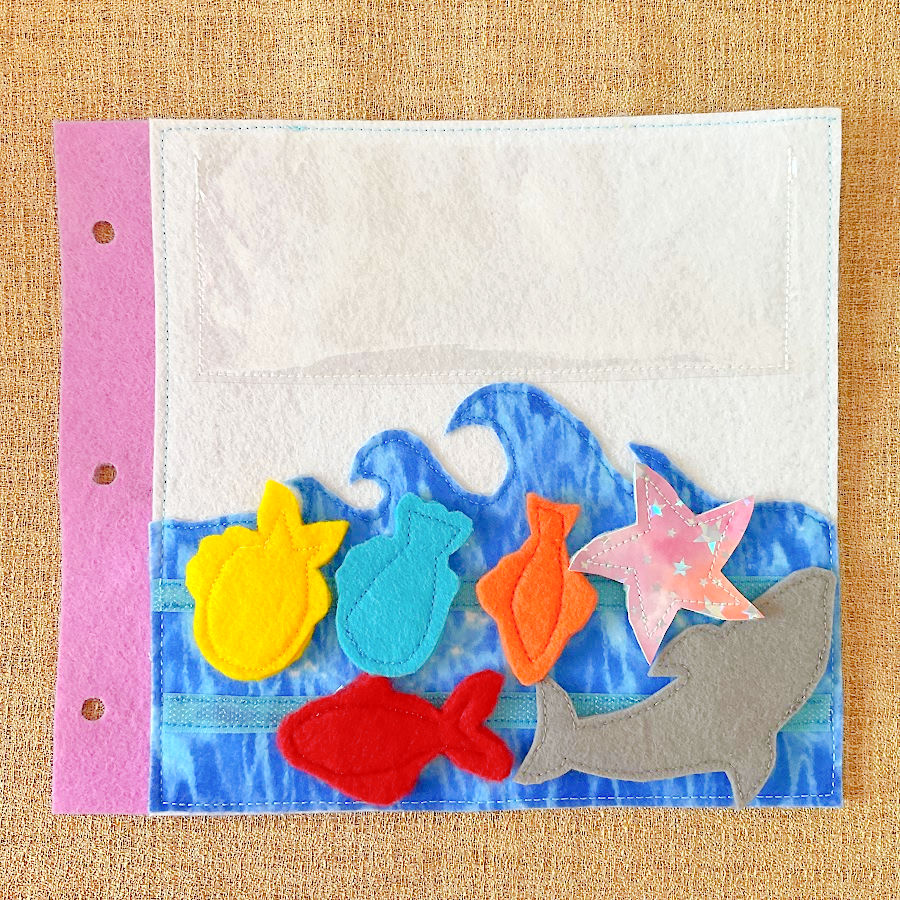
- Sea Animals Pocket – matching and sorting
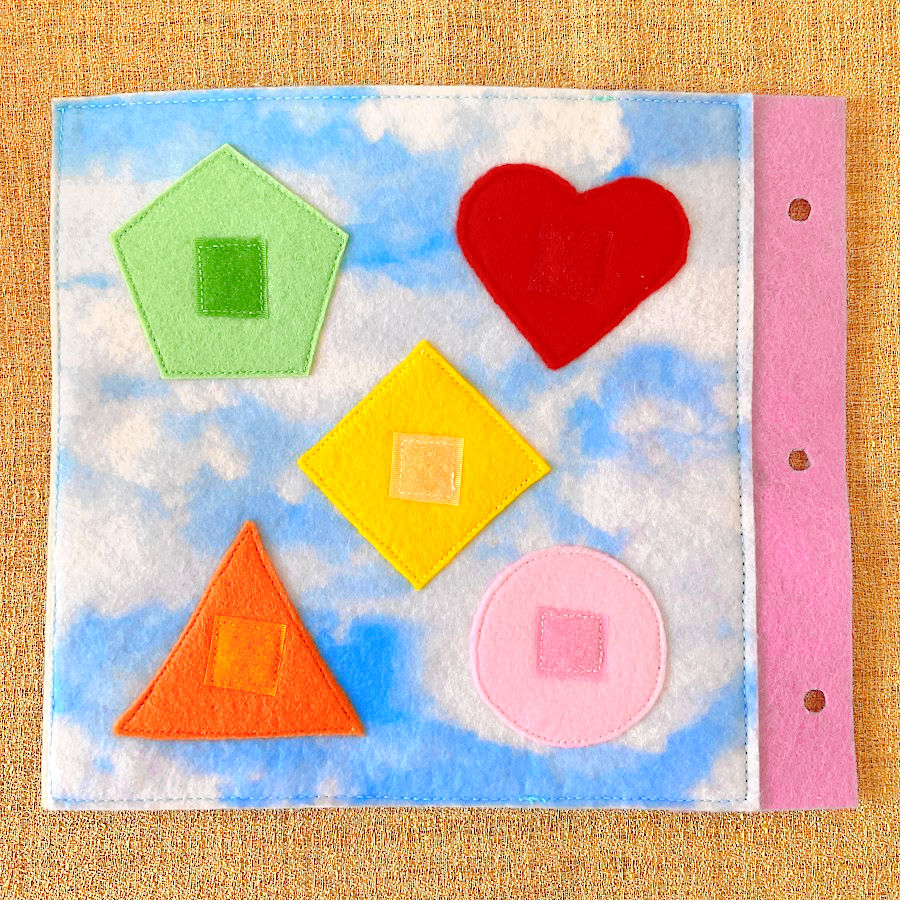
- Shapes and Colors – basic recognition skills
- Shapes Cabinet – organization and memory
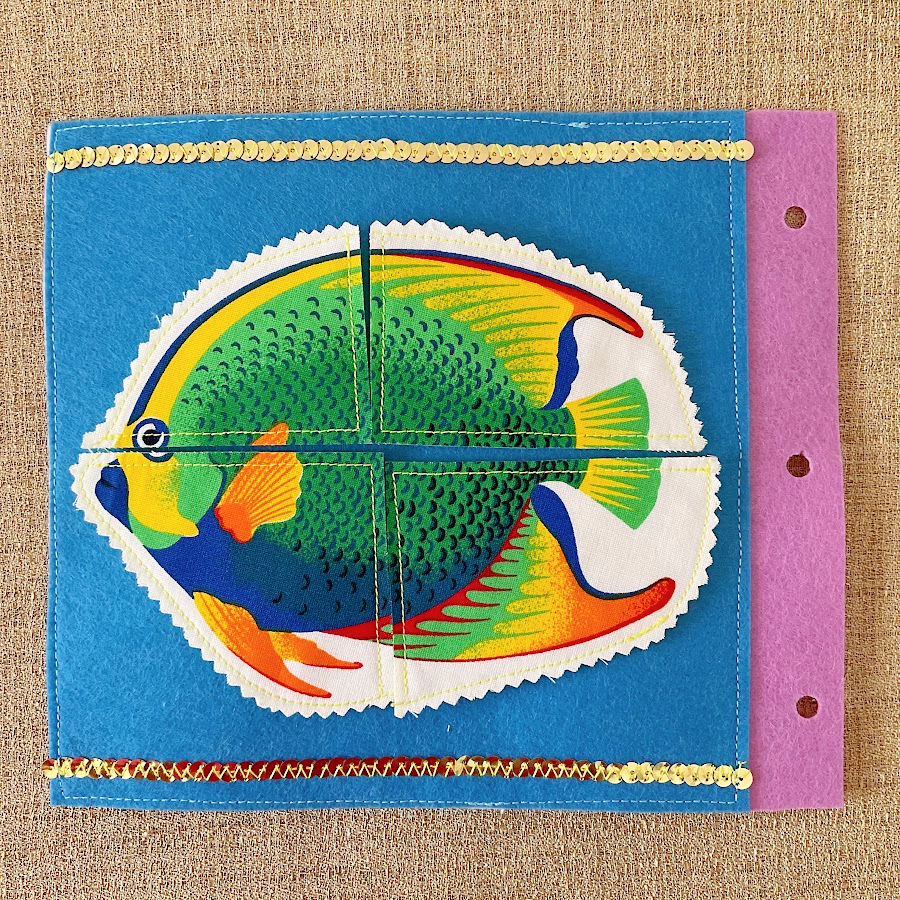
- Picture Puzzle – early problem-solving
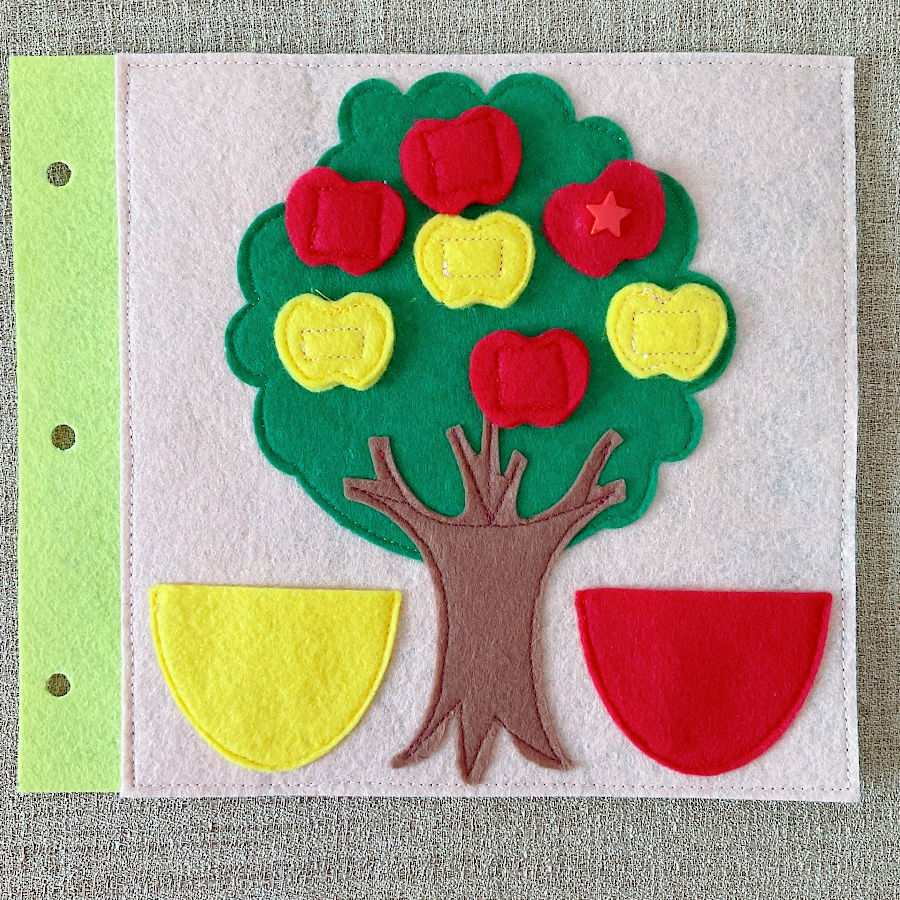
- Apple Tree – sorting and pretend play
- Pick the Mushrooms – visual discrimination
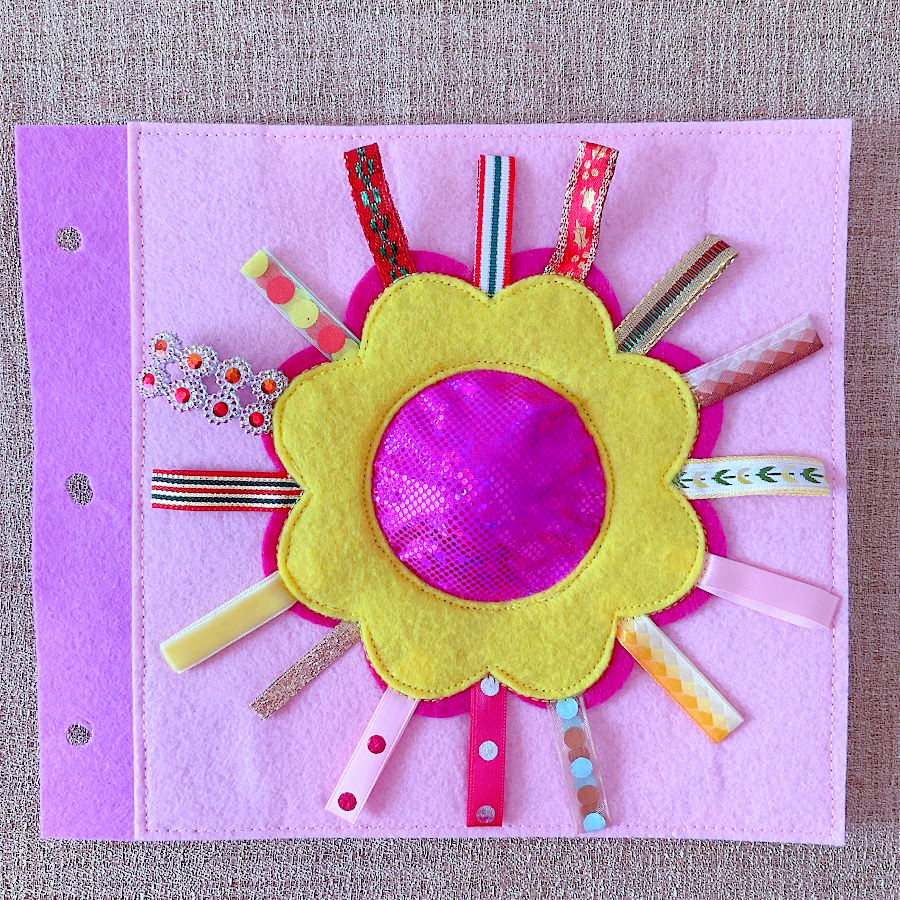
- Flower with Sound – sensory play
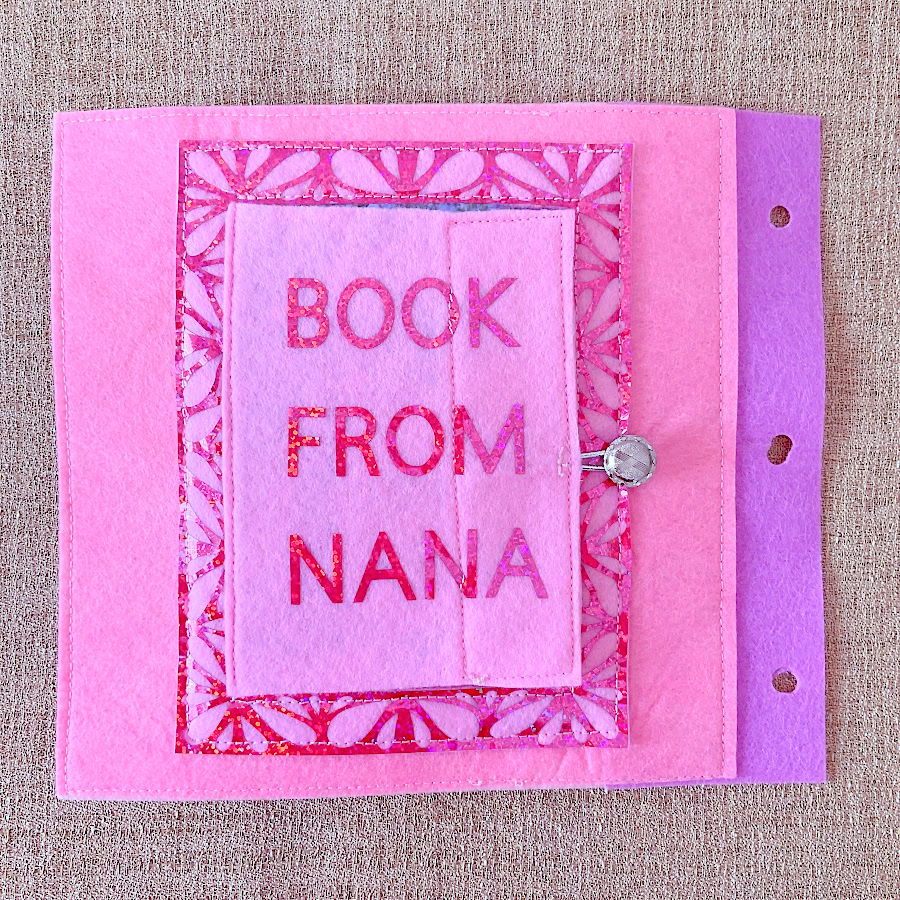
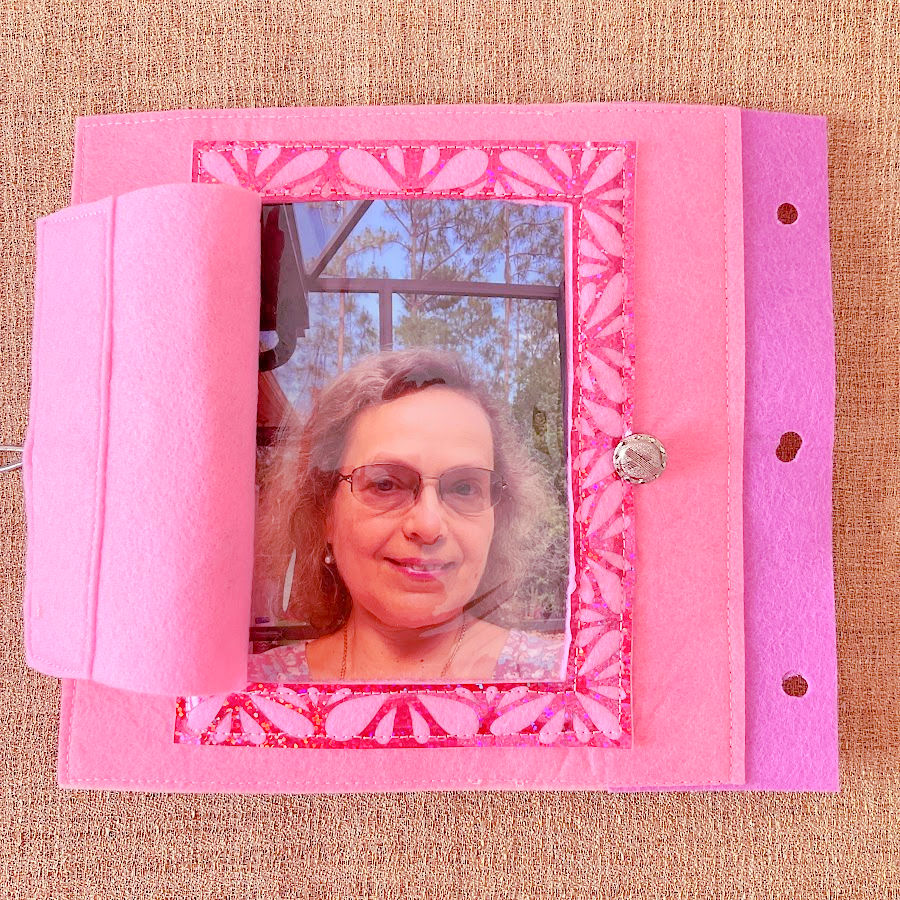
- Book from Nana – a photo page to end with love
Why You’ll Love This Project
- You can sew at your own pace — one page at a time.
- Most pieces are small, easy to cut, and great for using felt scraps.
- Every page focuses on movement, color, and interaction — no screens required.
- You can personalize the book with your own colors, themes, or family photos.
And best of all, you’ll have something made by hand that a toddler can actually use and enjoy every day.
Skill Level
Beginner-friendly. If you can sew a straight line, you can make this book.
File Details
- Digital download (no physical product)
- ZIP file containing: PDF sewing guide, printable PDF patterns, and SVG files
For personal use only — you may sell the finished books, not the files themselves
How to Unzip Your Files
When you download your quiet book patterns, you’ll receive them as a .ZIP file. This format keeps all the PDFs and SVG files neatly packed together so you can download them in one step. You’ll need to “unzip” or extract the files before you can open and use them.
On Windows
- Locate the downloaded .zip file (usually in your Downloads folder).
- Right-click the file and select Extract All.
- Choose a folder where you want to save the files, then click Extract.
- Open that folder — you’ll now see all your PDF and SVG files ready to use. he SVG files will be in a separate directory.
On Mac
- Double-click the .zip file.
- Your computer will automatically create a new folder with the same name.
- Open that folder to access your files.
On iPad or iPhone
- Tap the .zip file in your Files app.
- It will automatically unzip and create a new folder.
- Tap to open and view the contents.
On Android
Open your Files app and find the .zip file. If you have the proper app on your device, you will be prompted to allow extraction of the files and a new directory will be created for you. Beware that Android does not natively have an app for either zip files or SVG files